
Ballr App
Download the Ballr App
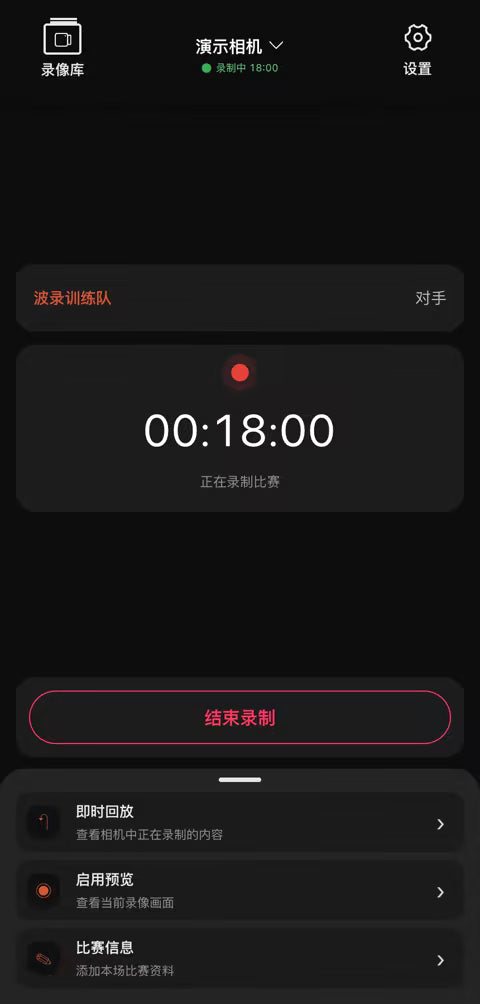
Connect your Ballr camera, check the framing, start recording or a live stream, and upload matches, all from your phone.
-
iPhone & iPad For this phone
 Requires iOS 17 or later.
-
Android · Google Play For this phone
 Requires Android 7.0 or later.
-
Android · APK
 Download APK
For Android phones without Google Play.
Download APK
For Android phones without Google Play.


Scan to download on your phone
Point your phone camera at the code. This page opens with the right download for your phone.
ballr.cc/appInstalling the Android APK
- Tap Download APK and wait for the download to finish.
- Open the downloaded file. If Android asks, allow your browser to install unknown apps.
- Open the Ballr App and sign in with your Ballr account.
Updating: Download the latest APK from this page and install it over the current version.
App not installed? Uninstall the existing Ballr App, then install the APK again.
Official source: Only download the Ballr APK from this page or Google Play.
After installing
- 01Connect the camera
Find nearby cameras, pair your phone and check the camera status.
Read the guide - 02Record a match
Pre-match checks, recording and saving the footage safely.
Read the guide - 03Start a live stream
Network, field area and getting the first frame live.
Read the guide
On a computer?
Watch, clip and share your recordings in Ballr Hub, right in the browser.